Instructions:
1. After extracting the zip file, place the
savihost.exe file in the same folder as the Akkordica.vst3 plugin and the
Akkordica.instruments folder.
2. Rename savihost.exe to Akkordica.exe.
3. Click on Akkordica.exe to load the Akkordica interface.
4. Configure MIDI by going to Device -> MIDI -> Select MIDI device
Akkordica VST3
MIDI Setup
Devices -> MIDI
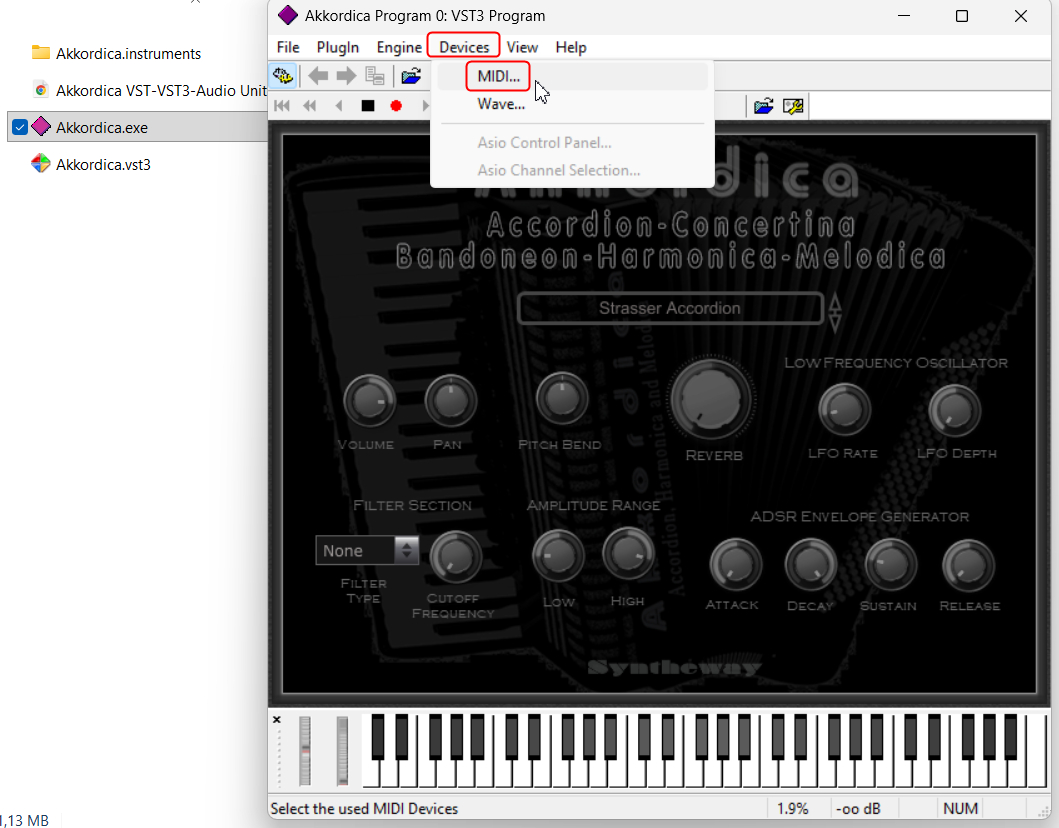
Click On The Image To Enlarge
Akkordica Presets Sounds
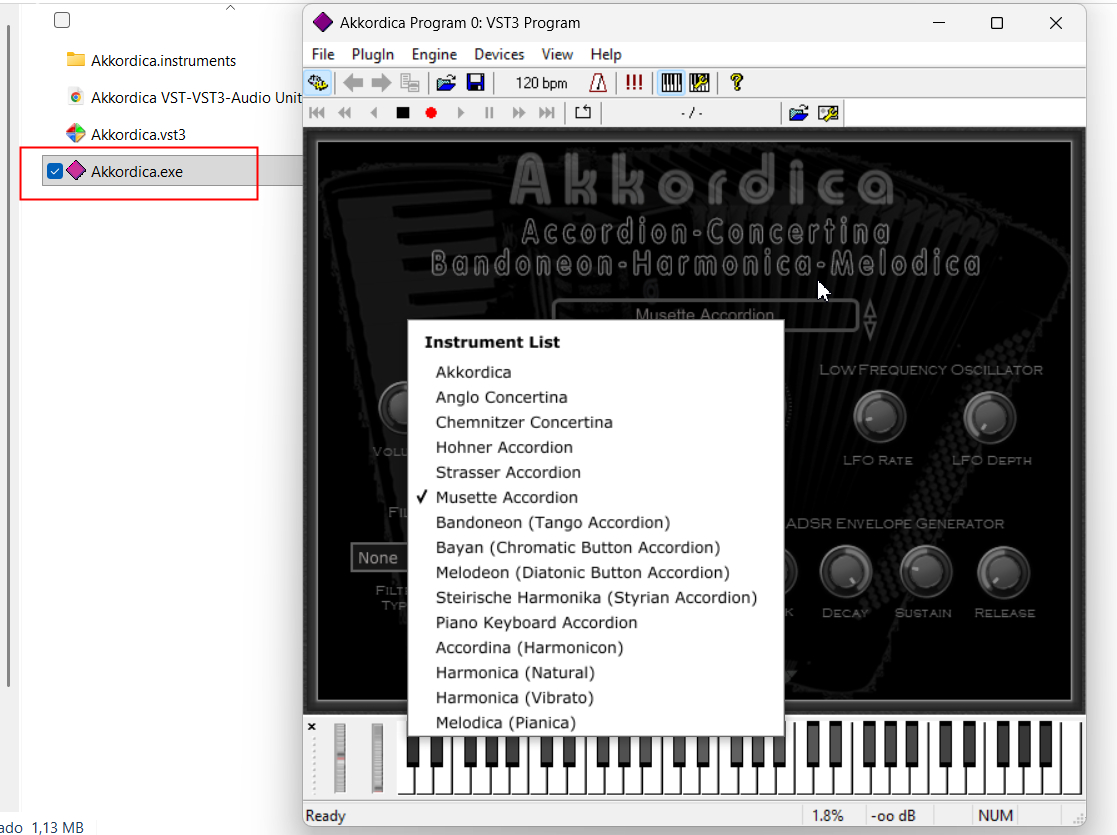
Click On The Image To Enlarge
Akkordica VST2 Plug-in
(*.dll) as Standalone Version Via SAVIHost
SAVIHost VST2 (VST) VERSION
Download SAVIHost from
www.hermannseib.com








