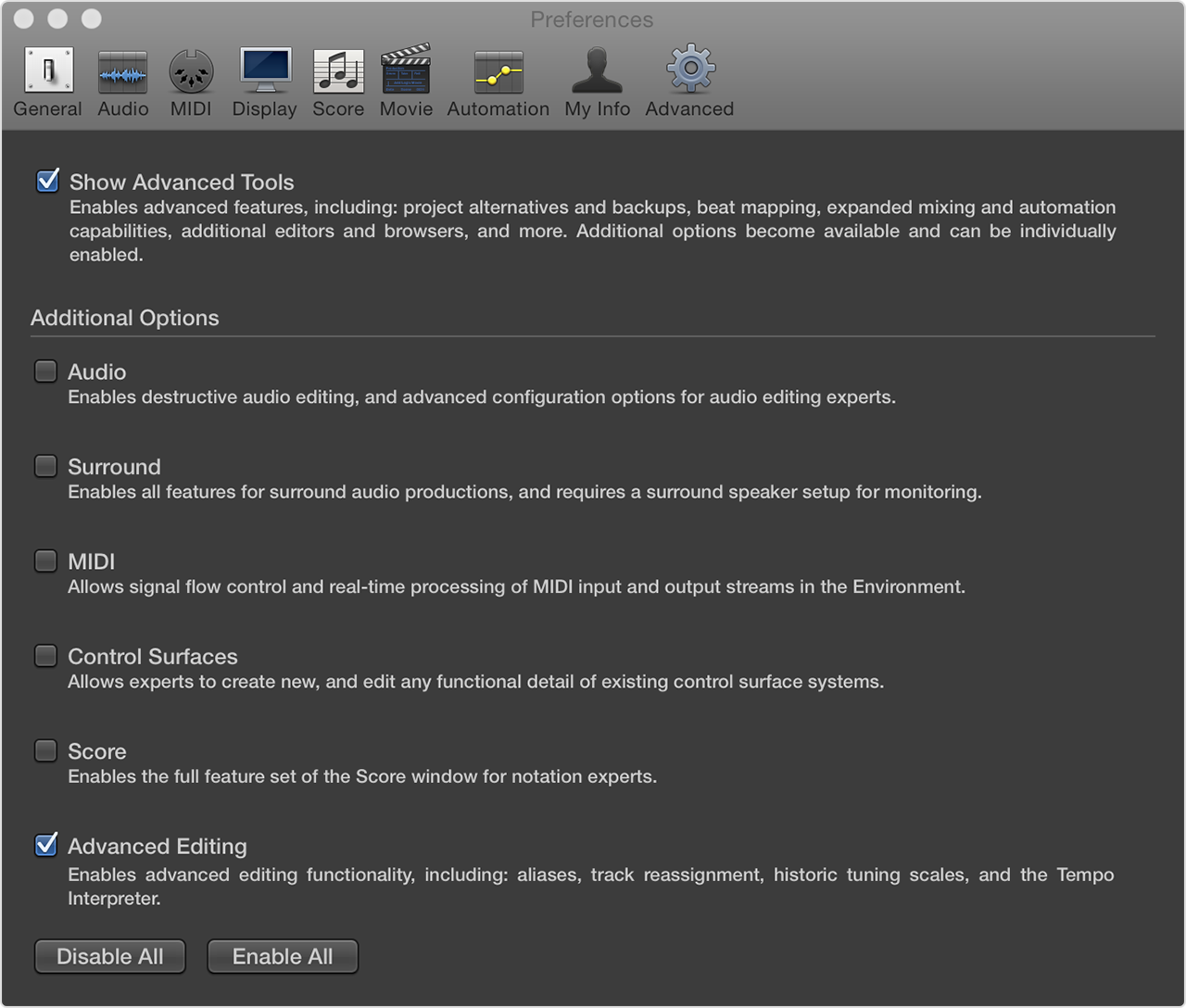
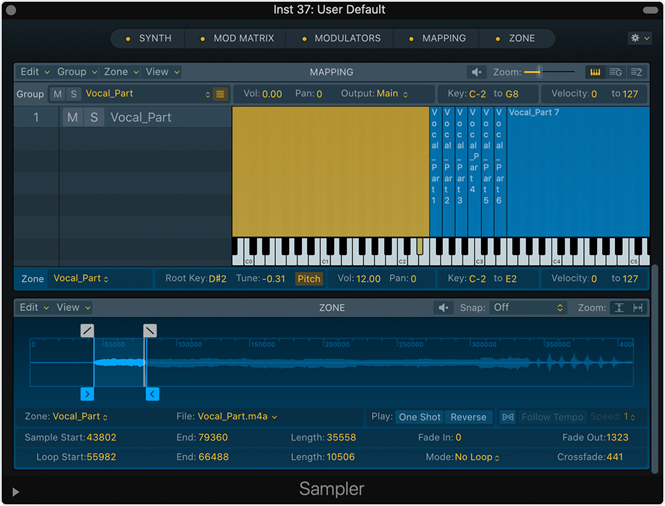
The Edit button for EXS24 is only visible if both Show Advanced Tools and the additional option for Advanced Editing are enabled in Logic Preferences.
Screenshot of missing Edit button:
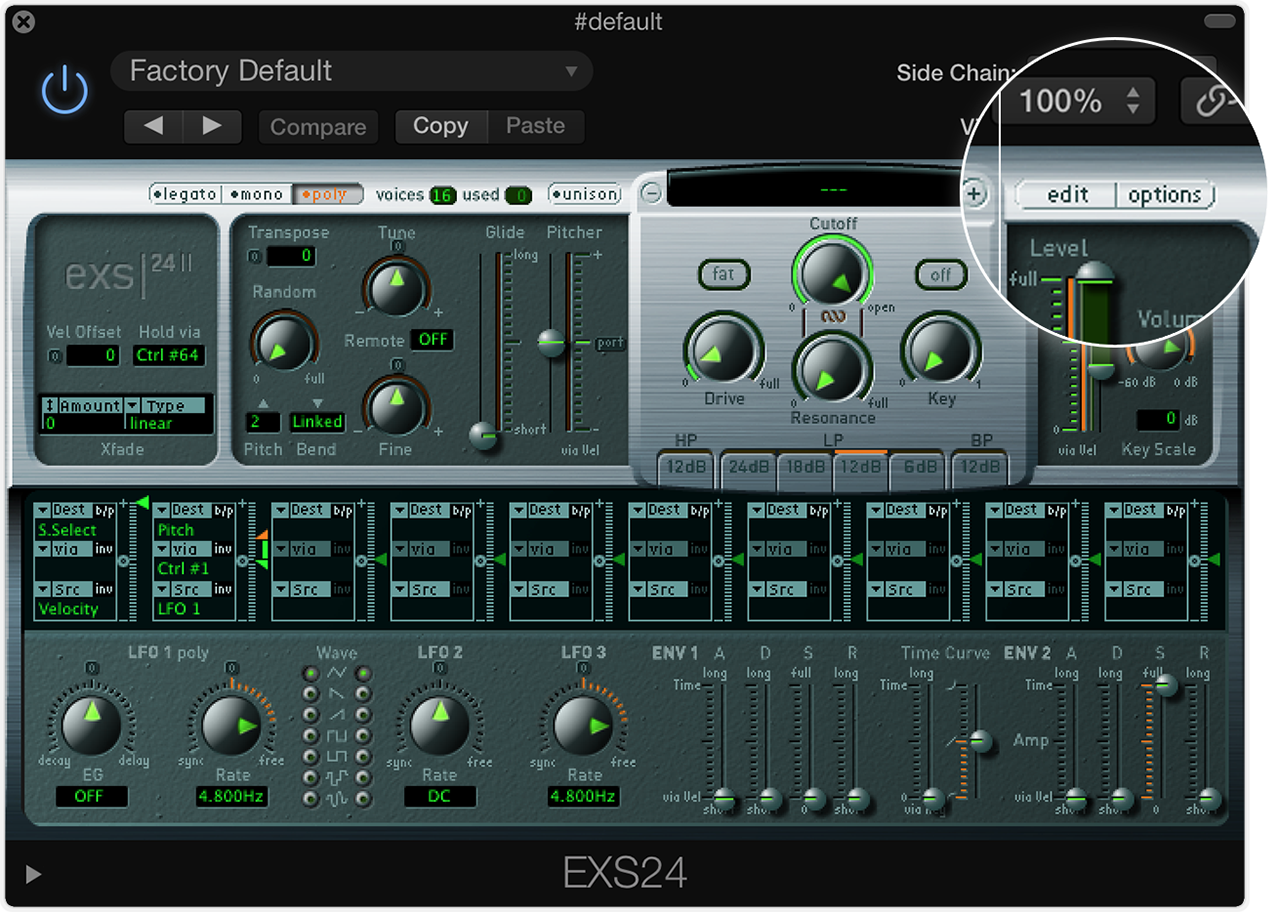
To view the Edit button:
-
Choose Logic Pro X > Preferences.
-
Click
Enable Show Advanced Tools. This will display additional options.
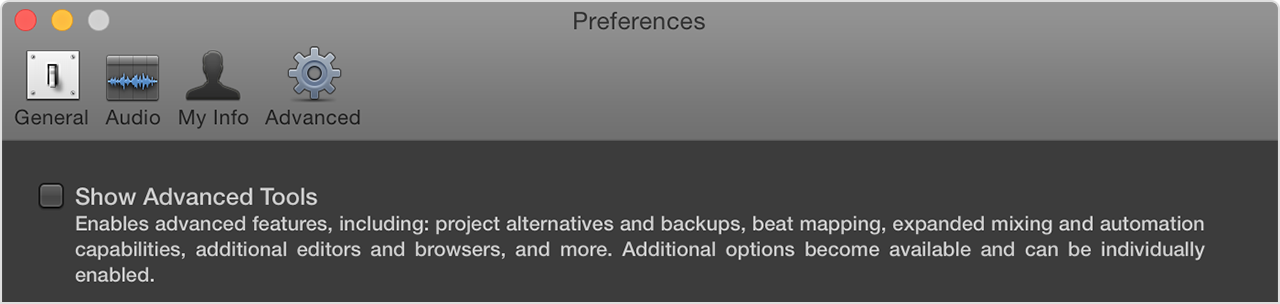
Enable
Advance Editing.
The Edit button is now visible to the right of the
Instrument menu: