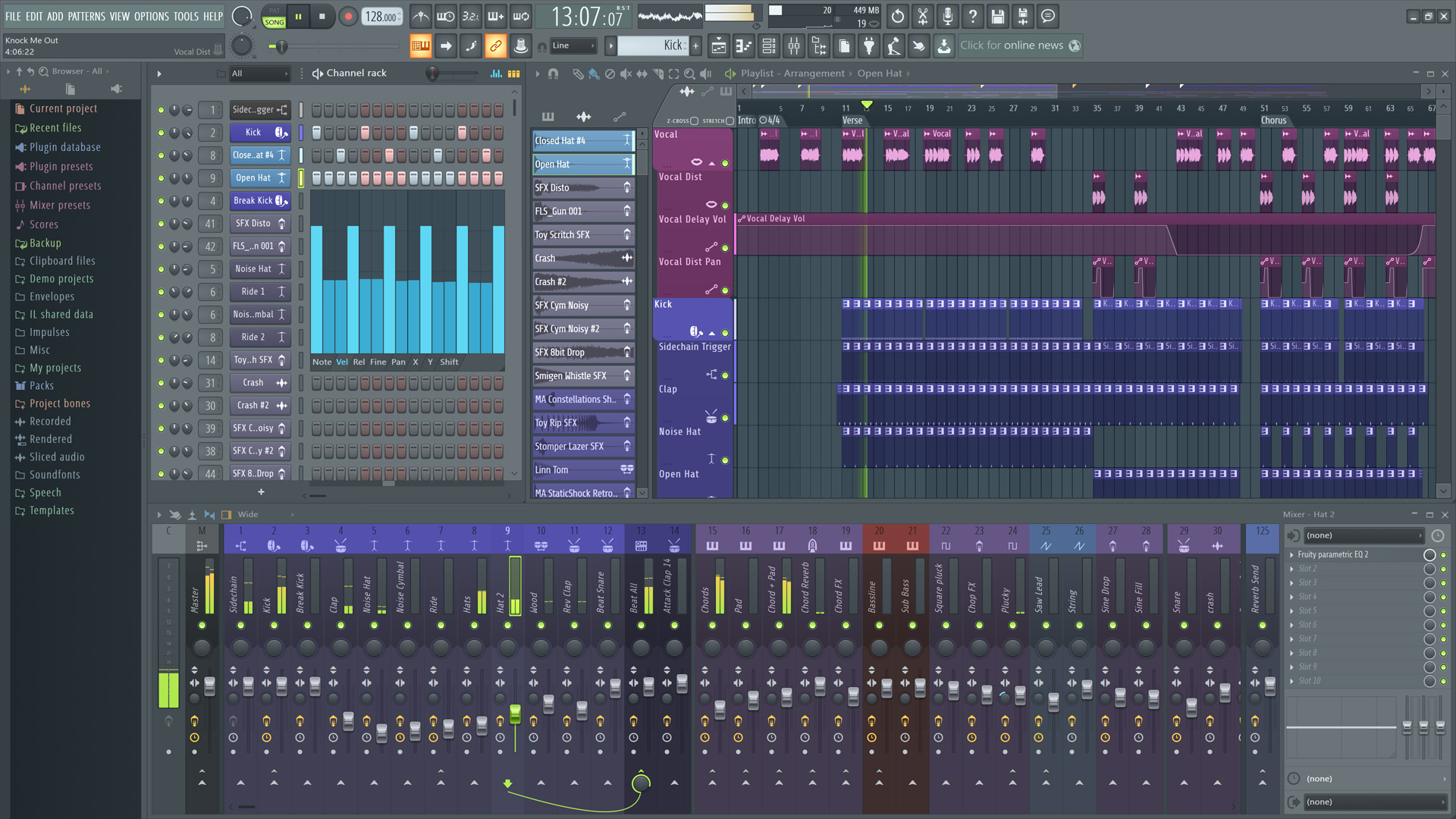
Image Line has released FL Studio 20.5 featuring
Flex, which described as "An advanced 'production focused' synthesizer
with instant epic sounds that allow you to stay in-the-zone making
music". Flex is free with all FL Studio editions. Plus, as usual,
there's lots of workflow enhancements for your favorite DAW.
New in FL Studio 20.5:
macOS VST/AU - FL Studio can now be used as a VST or
AU plugin on macOS hosts that support VST or AU plugins. Windows hosts
can use VST.
Browser - (Alt+Click) to preview samples to their end. Click the stop on
the transport panel to end early.
FILE
settings - Option to change the maximum number of backup files.
Playlist / Piano roll - Mute selection (Alt+M). Unmute selection
(Alt+Shift+M).
Plugin Manager - Check mark for favorite plugins is now a star.
FL
Studio performance monitor - VIEW > Plugin performance monitor. Useful
to identify resource heavy plugins.
Patcher - Option to show CPU usage of modules. Right-click workspace >
View > Performance.
Channels & Effects - Added 'Don't show this in the future' option when
deleting Channels and Effects.
Reset popup warnings - Option on the General Settings tab.
MIDI
Options - The MIDI device list will be updated when the computer wakes
up after sleep mode.
MIDI
- Added 'Don't show this in future' for error messages when a MIDI
device can't open.
Plugins - Deleting plugins now asks for confirmation (since there is no
undo).
SoundFonts - DirectWave will open when a SoundFont file is dropped on
the Channel Rack.
Templates - Are now set under the General Settings tab.