Audio Unit Component Services provides the C interface for using audio
units. An audio unit is an audio processing plug-in used for processing or
generating audio data. To find, open, and close audio units, you use a
companion interface, Audio Component Services, described in Audio Component
Services Reference.
An
audio unit is uniquely identified by a triplet of codes known as
type, subtype, and manufacturer ID.

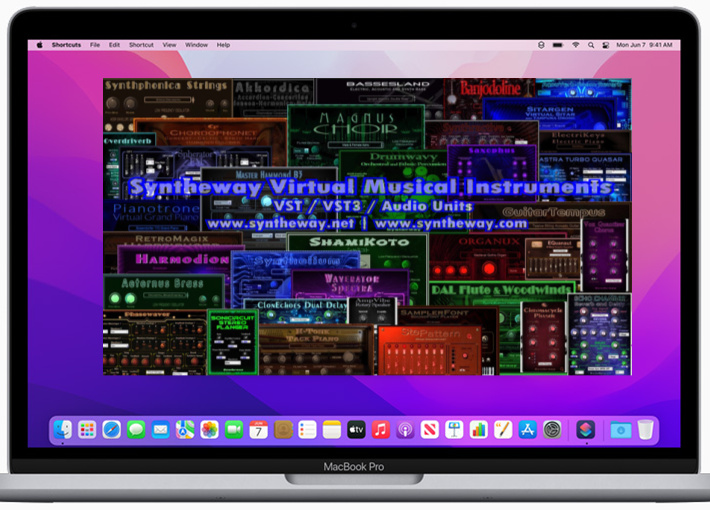
Syntheway VST and AudioUnits (AU) plug-ins that can be used to process
audio by applications such as Logic Pro, GarageBand, Cubase, Ableton Live,
REAPER, Studio One Professional, Ardour, MainStage and Digital Performer
among others.
The Apple Audio Units plug-ins are built into the operating system and do
not appear as discrete files. Plug-ins from other manufacturers appear as
individual components on your hard disk. They may be found in two places:
/Library/Audio/Plug-Ins/Components
~/Library/Audio/Plug-Ins/Components
("~" represents your home directory.)
Plug-ins installed in
/Library
are available to all users on the computer, whereas plug-ins installed to
~/Library
are only available to the user in whose home folder they reside.
Note: Some
Audio Units will work from either location and some need to be in one or the
other. Check with the manufacturer for information on the preferred location
for specific plug-ins.
Macintosh
HD/Library/Audio/Plug-Ins/Components

Macintosh
HD/Library/Audio/Plug-Ins/VST

Macintosh
HD/Library/Audio/Plug-Ins/VST3