|
|
| 
|
|
How to unzip files on Mac
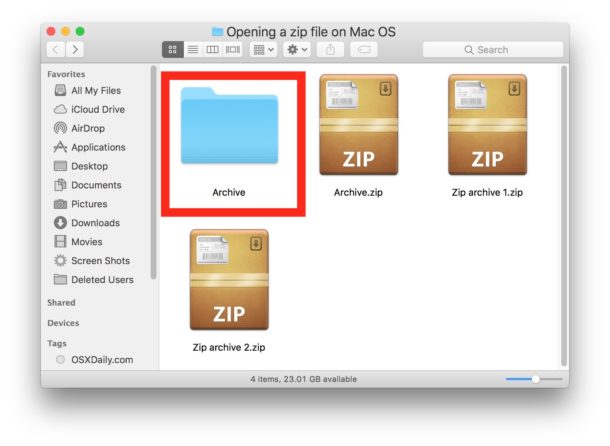
Unzipping a file or folder
couldn't be easier.
-
Double-click the zip
file, and the file or folder decompresses in the same
folder as the compressed file.
-
If the item you are
decompressing contains a single file, the new
decompressed item has the same name as the original
file.
-
If a file with the same name
is already present in the current folder, the
decompressed file has a number appended to its name.
Information in this article applies to Macs running
macOS Sierra, macOS High Sierra, macOS
Mojave, macOS Catalina, macOS Big Sur, macOS Monterey.
Mac®
and
macOS® are trademark of Apple
Inc.
Kontakt™ is a trademark of
Native Instruments GmbH
Audio Units™ and
EXS24™
are trademarks of Apple Inc.
VST
is a trademark of Steinberg Soft- und Hardware GmbH
|
| |
|